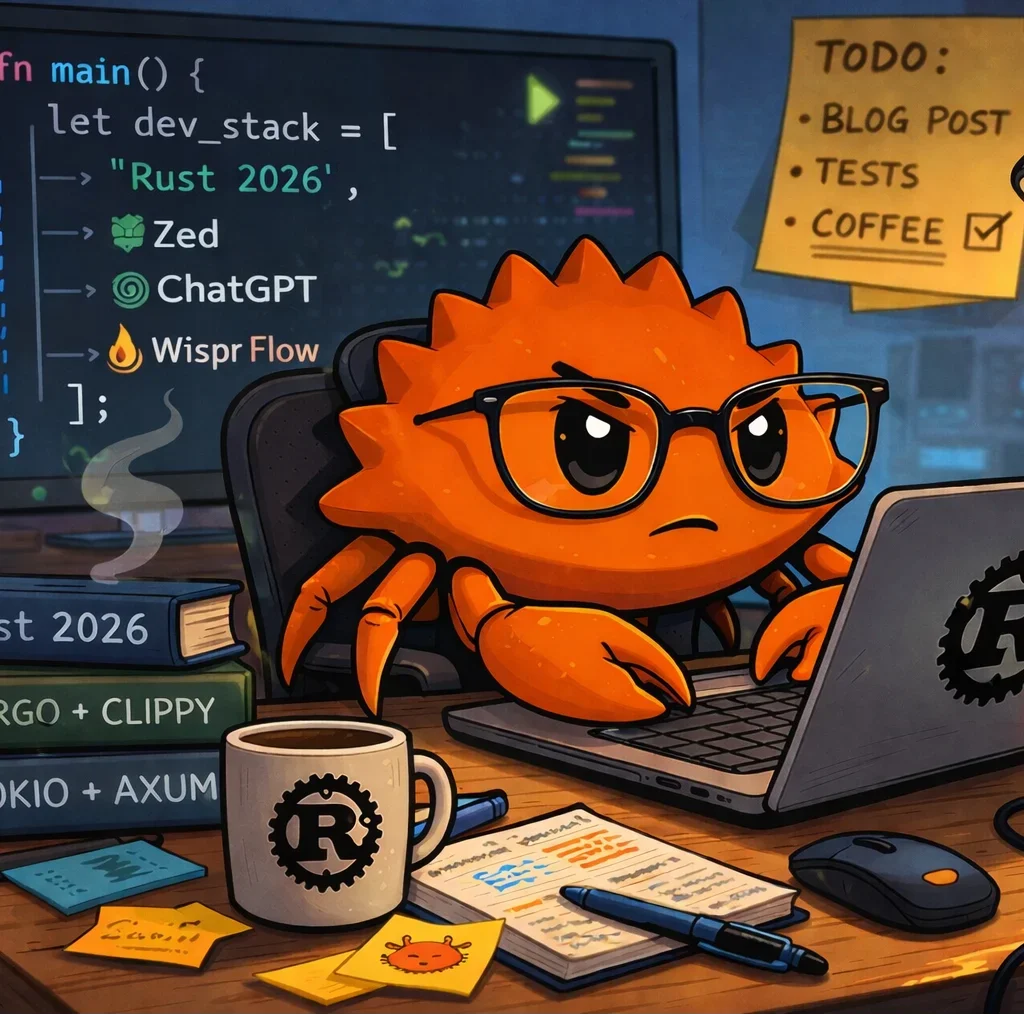
My Rust dev setup in 2026
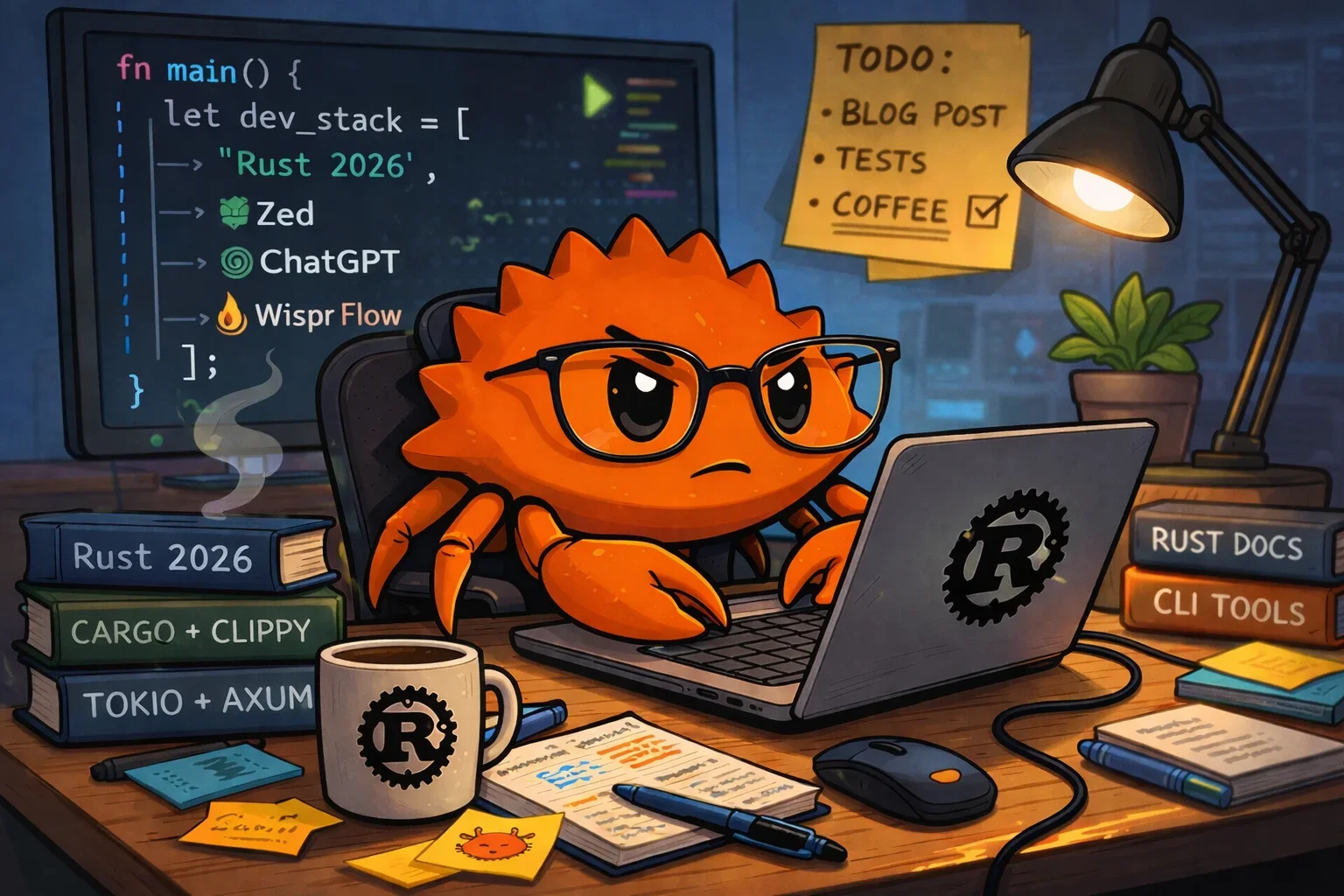
Illustration by Cady Galleta
Software engineers are ingenious people, and we’re particularly clever at avoiding real work by fiddling with our tools, trying new tools, bikeshedding other people’s tools, and having internet flame wars about whether using the wrong editor makes you a bad person.
I’m a Rust teacher and author. Over 45 years of programming, I’ve used a lot of different tools and done an incredible amount of bikeshedding about them. Now, a little older, slightly wiser, and considerably greyer, I don’t care so much about tools: I’m more interested in actually building stuff. Whatever gets the job done is fine by me.
That said, here’s what I mostly use for Rust development today, so that you can berate me about my choices. I am unafraid.
1. Zed
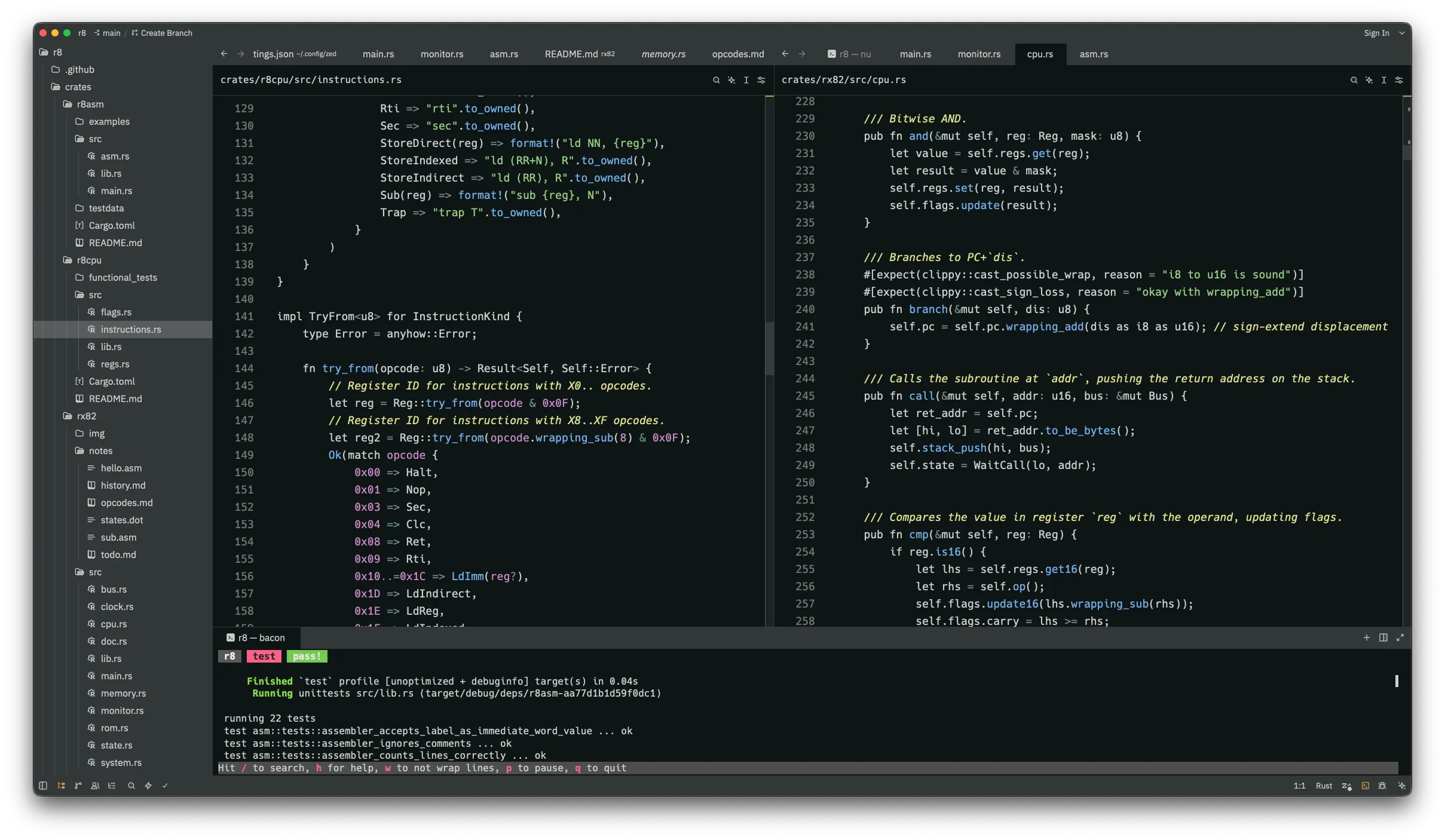
I don’t want to spend a load of time configuring my editor, installing plugins, tweaking settings, and obsessively maintaining a config file. I just want something that looks nice, has state-of-the-art Rust support, and works the way I want it to, right out of the box. That’s Zed.
If you’re familiar with VS Code or Cursor (and it’s hard to imagine that you aren’t), then Zed looks and behaves exactly the way you’d expect. Even the keyboard shortcuts are pretty much the same. It’s just faster, lighter, less bloated, and more reliable.
Why Zed works for me:
Great Rust support. With
rust-analyzerintegration via LSP, I get syntax colouring, Rust-aware renaming and refactoring, inline annotations and type hints, inline errors and warnings, and useful code actions like auto-imports. There’s also an integrated debugger, and though I rarely use it, I appreciate that it’s there.Fast and responsive. Zed is a native Rust app using GPU-accelerated rendering, so it feels snappy compared to JS-based tools. Zed runs fine on low-end hardware, and great on anything better.
I’m a fan of minimal syntax highlighting, so I use the Alabaster Dark theme, which keeps nicely out of my way.
2. ChatGPT
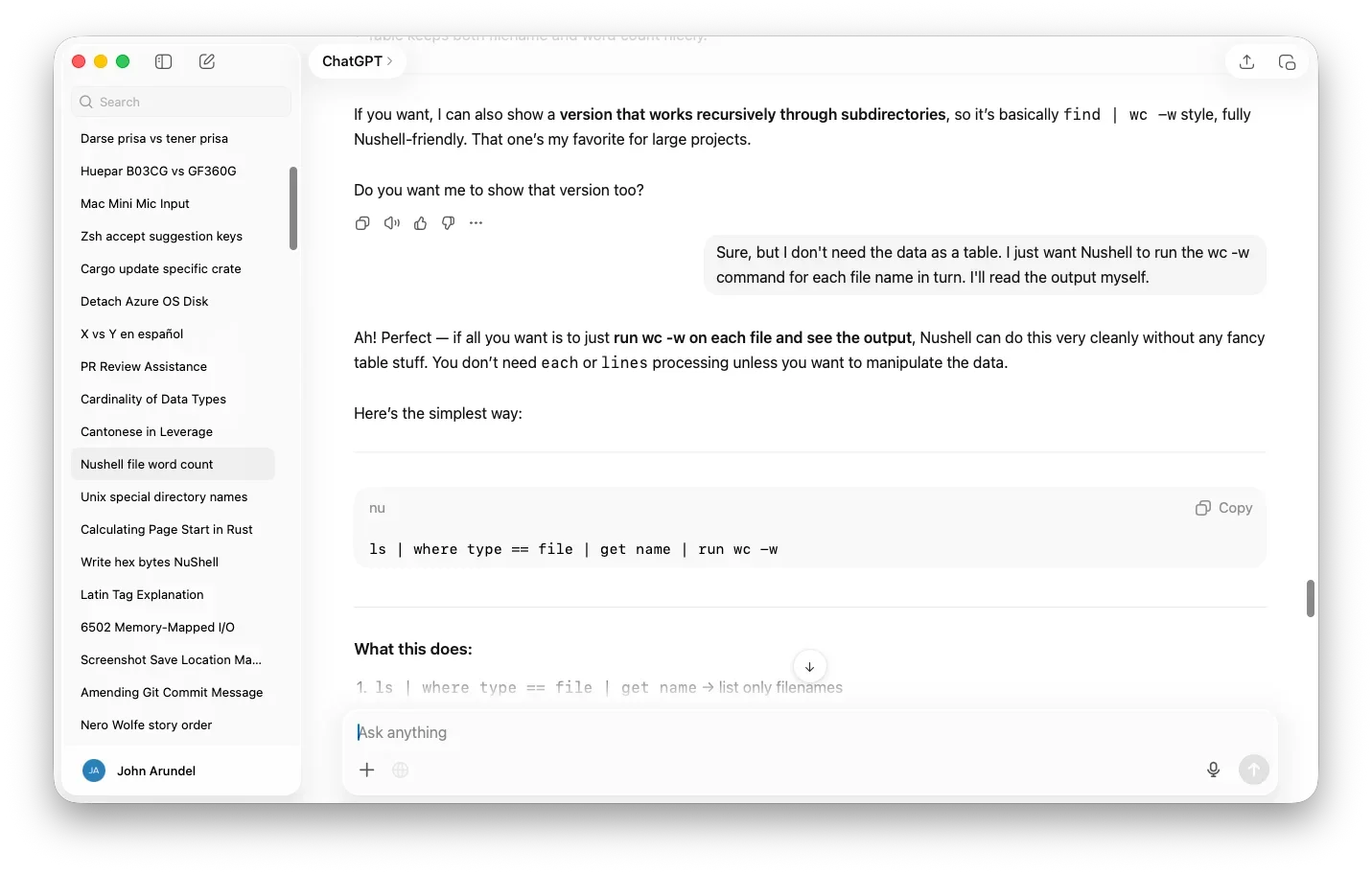
It’s fashionable in some quarters these days to cry “AI is the devil’s work!” and refuse to adopt any kind of LLM-powered tools. “My code is a holy temple that shall not be profaned by the taint of AI”, say the Butlerian jihadists. That’s okay, and I’m neither a booster nor a doomer—but what I am is pragmatic. If there’s a tool that helps me get my work done better and quicker, I’ll use it.
I almost never ask AI to generate code; that’s the fun part, so I like to reserve it for my own enjoyment. Instead, I’ll talk to ChatGPT about the problem I’m solving, possible lines of approach, things to consider, and how to refine my initial ideas. Then I write the code, and we’ll review and polish it together.
The key ways I use AI for Rust development:
Helpful pair programmer. As I work, I’ll run into problems and compile errors. Usually, a little thought is enough to resolve these, but when it’s not, I’ll ask ChatGPT to explain to me what’s really going on. Only when I’m confident I completely understand the problem will I start changing code to try to solve it.
Forensic code reviewer. When I think I’m done, I’ll ask AI to review the code for possible bugs, issues, and edge cases I might have overlooked. ChatGPT usually has some valuable improvements to suggest; I would have figured these out myself eventually, perhaps, but why wait?
Patient, supportive teacher. I work with ChatGPT all the time to deepen and extend my learning—about Rust and everything else. I’ll ask it to generate quiz questions to test my understanding of some concept, and we’ll review and refine my answers until I’m completely happy that I’ve mastered the topic.
AI never gets tired or bored, it never gets impatient, and it never belittles me for asking really dumb or obvious questions. It’s not infallible, but who is? I’m learning a lot from AI about how to be a better teacher.
I use the ChatGPT desktop app, which is faster and more functional than the web version, and I almost exclusively use the voice input mode (little microphone icon at the right of the prompt box), which is super responsive and accurate. It’s also way quicker than typing.
Speaking of which…
3. Wispr Flow
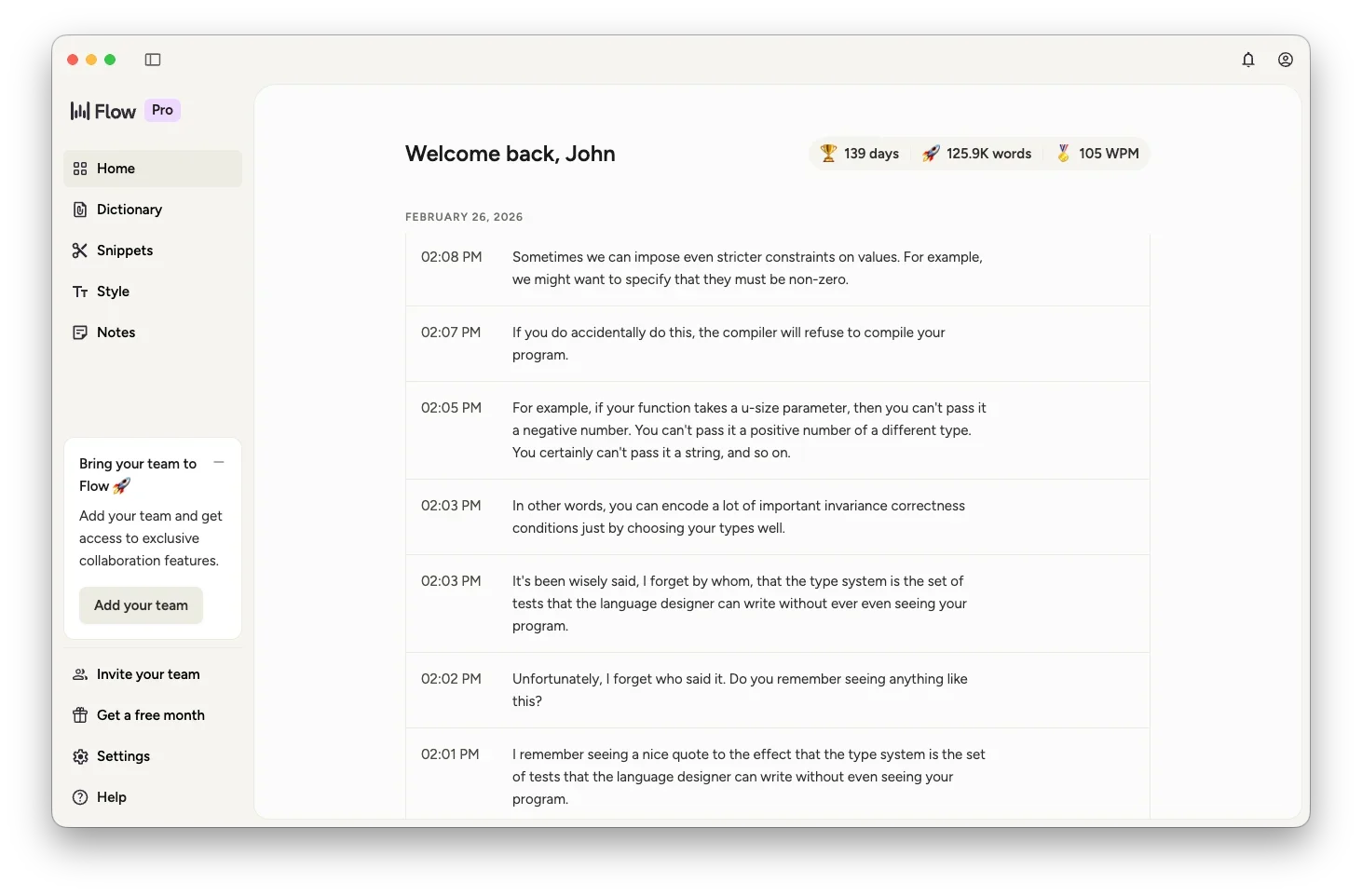
Wispr Flow is “voice input everywhere”. It’s like the voice input in ChatGPT, and it uses the same LLM-based speech-to-text API, but it works in any editor, app, text box, or input area. Anywhere you can type, you can talk instead. It feels weird at first, but it’s so much faster it quickly becomes second nature.
I was surprised at how much faster using Wispr Flow is than typing on the Mac, but it’s a real game-changer on mobile. Instead of pecking at that horrible little iPhone keyboard and wrestling with autocorrect, I can just switch to the Wispr Flow “keyboard” and speak the text instead. This is how iOS should have been from day one.
I use Wispr Flow all day, every day, for:
Emails, chats, texts, WhatsApp, Slack, and socials. I can put in Airpods, step away from the desk, and wander round the house or garden while I catch up on all my daily comms and admin work. Not only is it much quicker than typing, I actually find I’m communicating better and more frequently because it’s easier.
Writing. I write books for a living, so I write hundreds of thousands of words a year. That’s a lot of time and keystrokes I can save by just saying what I want to say. As a result, my writing is easier, more fluent, and more conversational. I can capture all my rambling thoughts on a subject with Wispr Flow, then use ChatGPT to help me refine and organise them into a working draft.
AI interaction. I use ChatGPT’s built-in speech-to-text feature a lot, but whenever I’m interacting with AI somewhere that doesn’t have that, such as the Zed agent panel, I can use Wispr Flow to speak my prompts. Now I wince when I see someone painfully and slowly typing out “w-h-a-t-d-o-e-s-t-h-i-s-e-r-r-o-r-m-e-s-s-a-g-e-m-e-a-n-?”. Just say it, bro.
Wispr Flow is the most impressive bit of software I’ve seen in years: they’ve really gone to a lot of trouble to make it smooth, fast, responsive and almost invisible. So much so that I’ve registered to be an affiliate—full disclosure—and if you use my link to sign up, I’ll get a small commission on your first year’s subscription. ’Preciate it.
4. Nushell
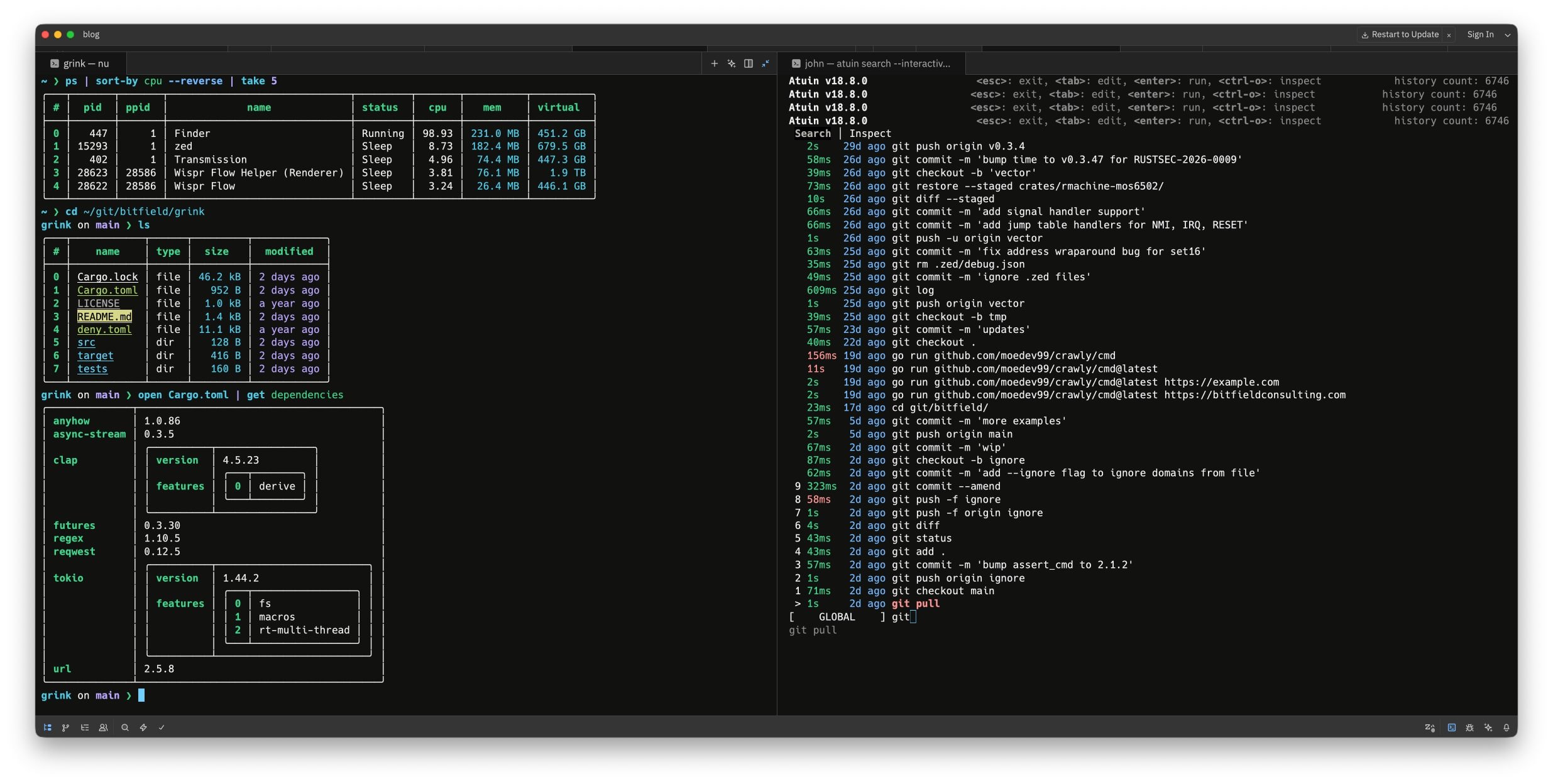
Nu is the shell that Rust would be. Calling it a “shell” buries the lede: it’s a thinking language based on pipelines, structured data, and interactive queries.
It’s like SQLite and Powershell had a baby, and then implanted JQ into it at birth, and that baby was a rich, modern programming language inspired by Rust (and the baby was written in Rust). And the baby was a shell.
I can wrangle, slice, dice, and query data from JSON, TOML, CSV, and HTTP APIs, write scripts and programs to automate my most common workflows, and manage all my files using a shell that actually understands data types, instead of just raw text.
Combined with Atuin, the magical shell history manager, so that I need never re-type a command line I’ve used before, and running it all inside Zed’s embedded terminal, I’ve got a dev environment that’s completely in the spirit of Unix, but also very 2026.
5. That’s it
I don’t need much else. Rust already comes with a great set of built-in tools:
rustuptakes care of Rust installation and updates.Cargo handles all my build and dependency management tasks
rust-analyzergives me Rust power tools in whatever editor I’m using
Other than that, my Mac is pretty stock. I don’t even use Homebrew, because I don’t want a million out-of-date and out-of-band packages cluttering up my hard drive.
A few other bits and pieces that improve my quality of life:
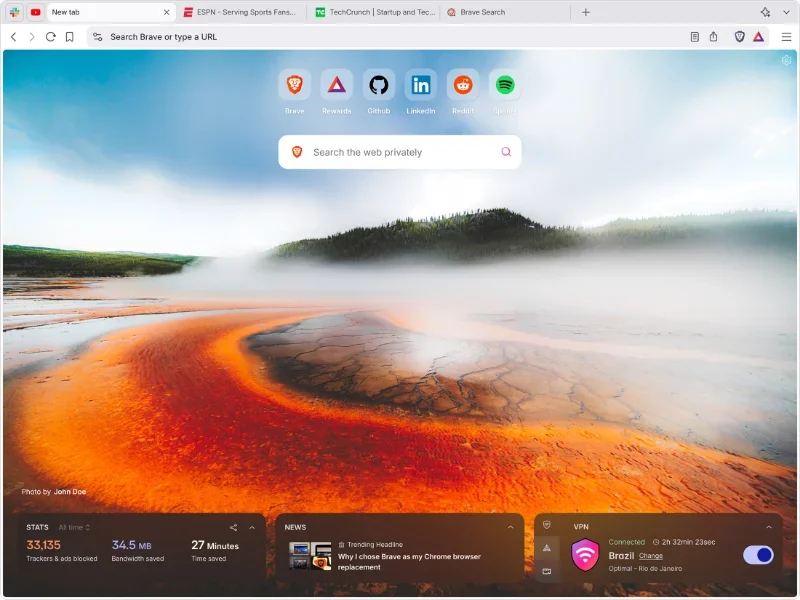
Brave is my browser of choice, because I don’t like ads (the ability to watch YouTube videos without the ads is life-changing). It supports Chrome extensions, so I can drive it entirely from the keyboard with Vimium.
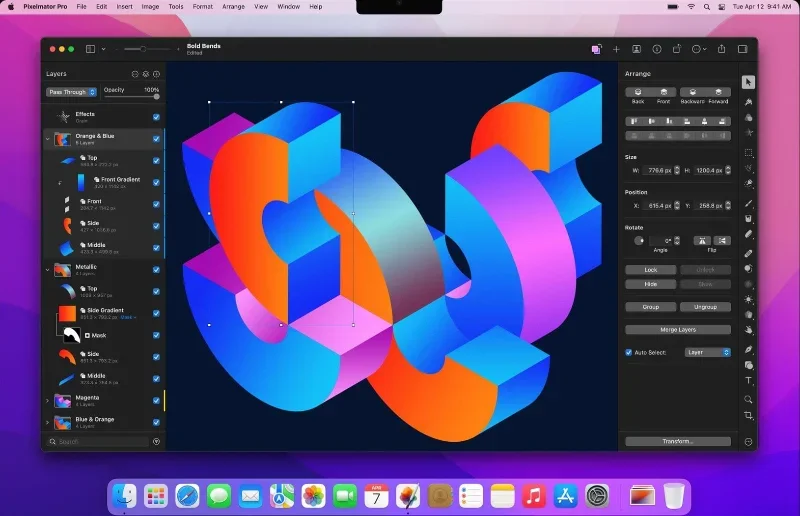
Pixelmator Pro is the one-stop graphics, layout, drawing, and photo editing tool that Photoshop used to be. I appreciate being able to pay for a piece of software once, and own it, rather than renting it by the month.
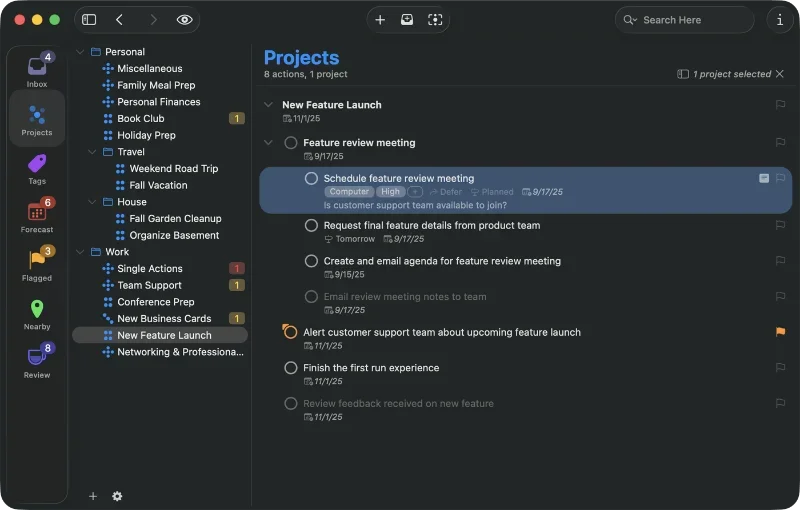
OmniFocus is the all-singing, all-dancing task manager I’ve used for decades. It syncs across all my devices. I run my life, business, books, and software projects on it. It’s one of the best-value things I’ve ever bought. Not affiliated; I just like it.